Rescue organisations
KPP records, dispatch, maps, event cover, qualifications and team cooperation.
Explore rescue modulesPanelKPP brings together tools for rescue organisations and training providers: suitable modules, your own branding and access for the right people.
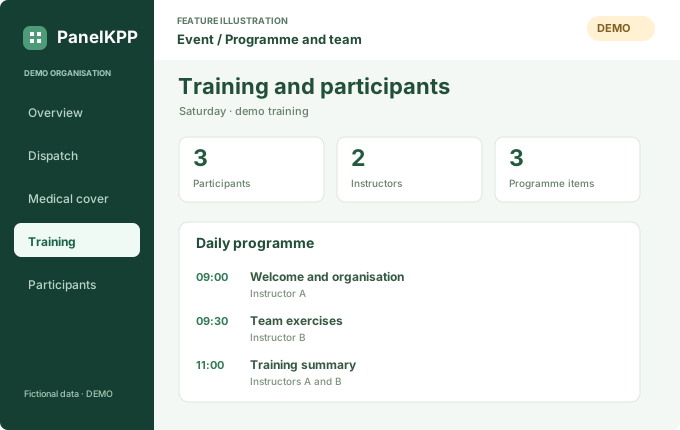
A feature illustration with fictional data. The actual module may look different.
Explore the interactive exampleStart with the way your organisation works. Modules and permissions are agreed before access is provided.
KPP records, dispatch, maps, event cover, qualifications and team cooperation.
Explore rescue modulesDates, programmes, instructors, participants, printable lists and messages under your own brand.
Explore training modulesIllustrations of selected features. Each organisation’s modules may look different. All data is fictional.
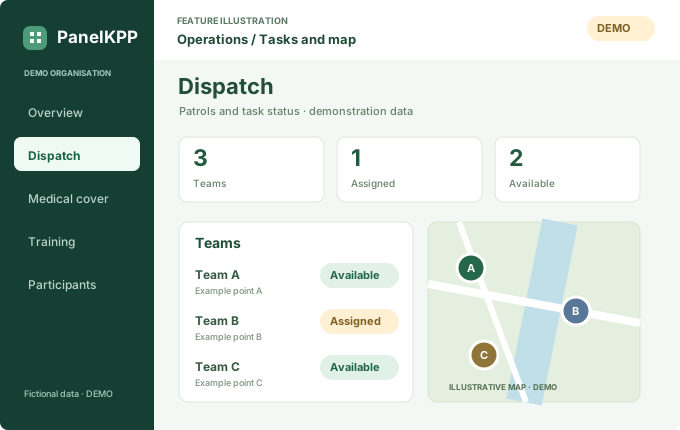
Task assignment and visible team status.
Open example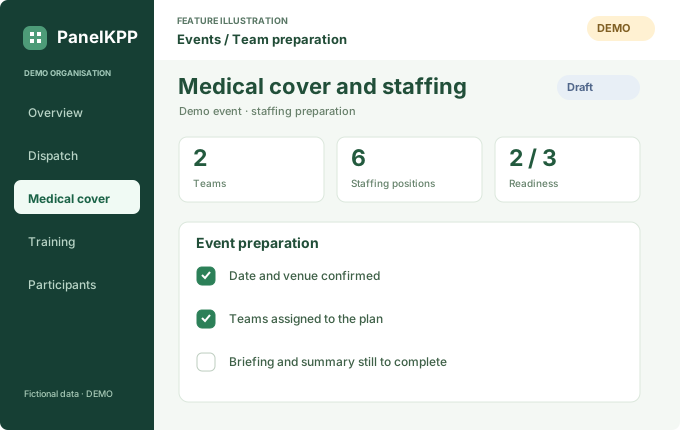
Dates, the team and the next preparation steps.
Open exampleThe programme and participant numbers. The demo includes an attendance list preview.
Open exampleTwo unaltered screenshots of the original Nielegalny interface in Polish: an event and its programme.
Screenshots from the local preview of the original Nielegalny training client on 21 October 2026. All people and event details are fictional. They do not demonstrate successful authentication or email or SMS delivery. They show the interface as it was on that date; the current module includes later improvements.
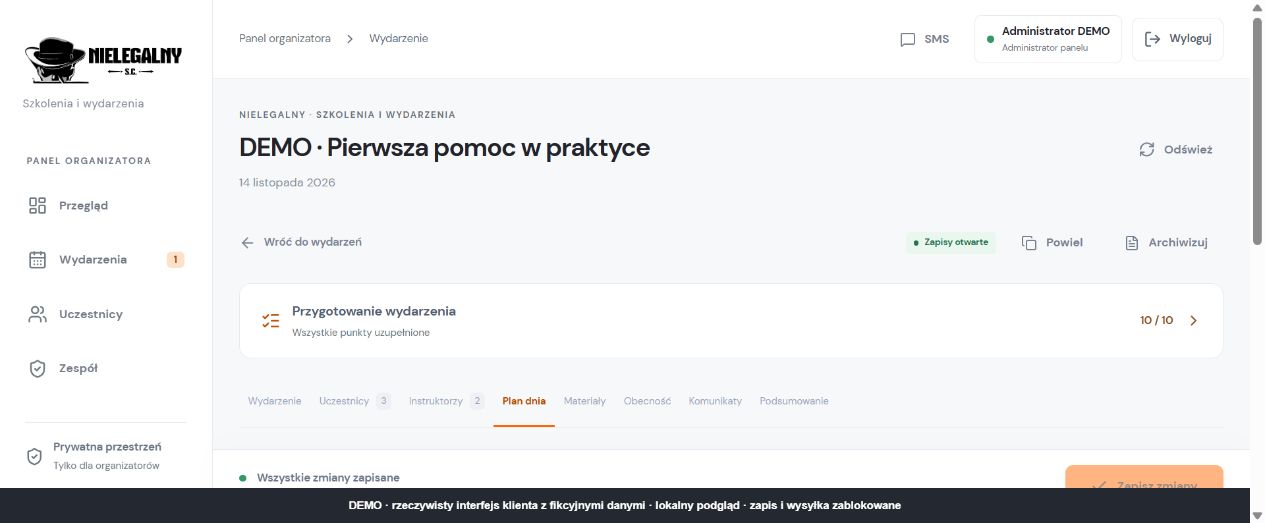
The demo event title, preparation status and module tabs.
Select the image to open it at full size in a new tab.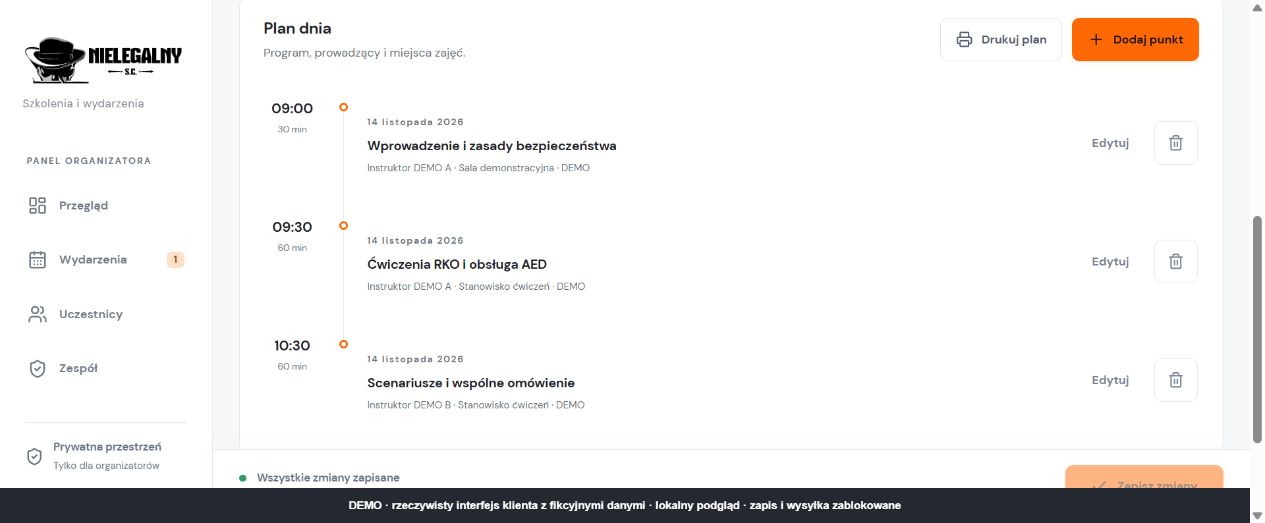
Three fictional programme items with times and example instructors.
Select the image to open it at full size in a new tab.OSP, GSR, SzSR and Nielegalny have separate workspaces. Selecting one here does not grant permissions. Access is checked by the destination module.
Your logo, responsible staff and an agreed set of tools.
Administrators manage access within their own organisation.
Add the portal to your home screen. Signing in and using module features requires the appropriate access.
Start with a short enquiry. Terms, modules and costs are confirmed individually.
Rescue, training or a combination of modules suited to your organisation.
Your logo, administrators, access rules and a configuration review.
Agreed access, onboarding support and a joint check that everything works.
A short form starts the conversation about modules, onboarding and support.
Open the form